
Why Switch to HRMS from Old Spreadsheets
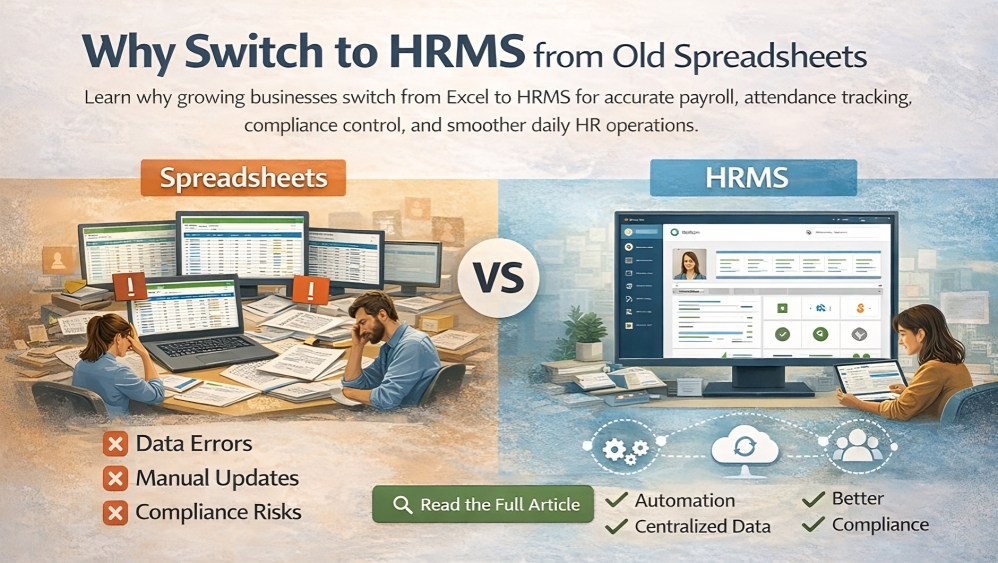
For many years, spreadsheets have been the default tool for managing human resources. Businesses used them to store employee details, track attendance, manage leave records, and calculate payroll. At the time, this approach was practical and easy to maintain.
Spreadsheets became common because they matched how businesses operated in the past. Teams were smaller, HR tasks were limited, and compliance requirements were easier to manage. A single file could support basic HR needs without creating confusion.
Today, that reality has changed. Companies grow faster, employee data increases, and HR responsibilities extend into compliance, reporting, onboarding, and performance tracking. Managing all of this through spreadsheets introduces risks that were not visible before.
The challenge is not the spreadsheet itself. The issue is that spreadsheets were never built to handle modern HR operations. As data becomes more complex and processes overlap, manual tracking leads to errors, delays, and lost visibility.
This is where an HRMS becomes a practical next step. Human Resource Management System organizes HR data into a single, structured platform, helping businesses manage people, processes, and compliance with greater accuracy and control.
Key Points at a Glance
- Spreadsheets worked well when HR needs were simple
- Business operations and workforce structures have evolved
- HR processes are now more connected, regulated, and time-sensitive
Why Spreadsheets Became the Default HR Tool
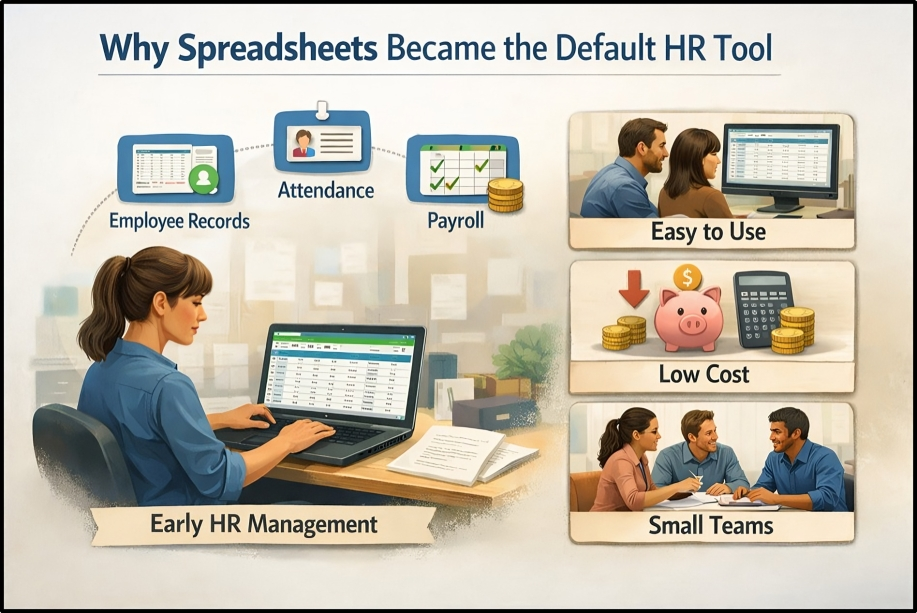
Before discussing their limitations, it is important to understand why spreadsheets are still widely used in HR. Their adoption was driven by convenience rather than poor decision-making.
Easy to Start
Spreadsheets require no setup or technical expertise. HR teams can begin tracking employee information immediately without onboarding, configuration, or system training. This ease of use made spreadsheets a natural starting point for many businesses.
Low Cost
Most organizations already have access to spreadsheet software. There are no additional licensing fees, subscriptions, or implementation costs. For small businesses and early-stage companies, this low barrier made spreadsheets an attractive option.
Familiar to Teams
Spreadsheets are universally understood. HR teams, managers, and business owners are comfortable using them, which reduces resistance and avoids the learning curve associated with new systems.
Works for Very Small Teams
When a company has only a few employees, spreadsheets can manage basic HR tasks with minimal issues. Data volumes are low, updates are infrequent, and manual processes remain manageable.
This context matters. Spreadsheets became the default HR tool because they solved real problems at an early stage of business growth. The challenge begins when companies continue relying on them even after their HR needs become more complex than spreadsheets can safely support.
The Hidden Problems of Managing HR with Spreadsheets
As HR responsibilities grow, the limitations of spreadsheet-based HR management become increasingly difficult to ignore. What once felt simple and manageable often turns into a source of errors, delays, and operational risk. These issues usually develop slowly, which is why many teams do not realize the impact until a serious problem occurs.
Spreadsheets were never designed to support modern HR workflows. As employee data expands and processes overlap, manual systems struggle to keep up.
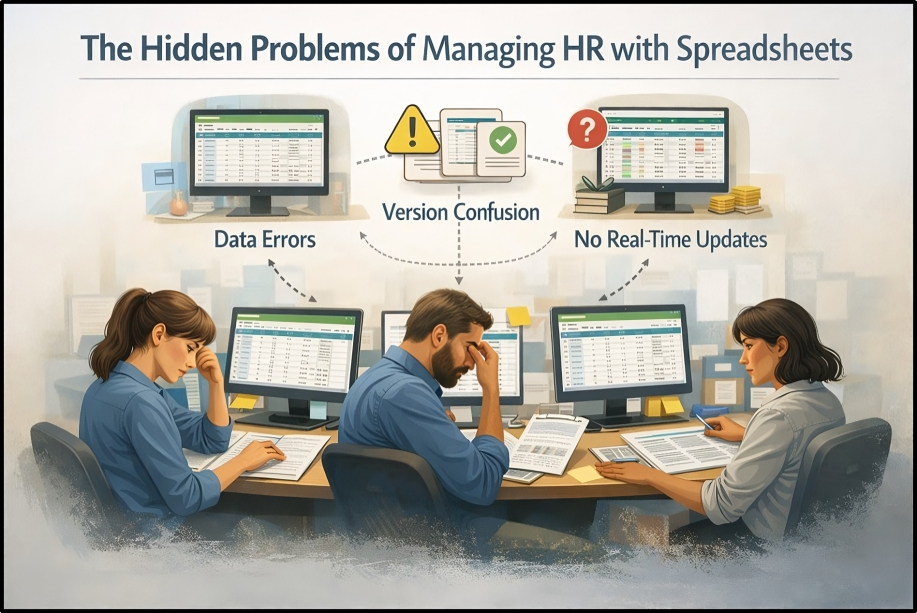
Data Errors and Version Confusion
Spreadsheet-based HR systems rely almost entirely on manual updates. As more people access or edit HR files, maintaining accuracy becomes challenging.
Employee data is often spread across multiple spreadsheets for payroll, attendance, leave tracking, and personnel records. Without a centralized system, information becomes inconsistent. One file may reflect recent updates, while another still contains outdated details.
Because spreadsheets do not update in real time, HR teams frequently work with incomplete or incorrect information. Overwrites, duplicate entries, and accidental deletions are common, especially when files are shared across departments or stored in multiple locations. Over time, these small inconsistencies reduce confidence in HR records and increase the likelihood of costly mistakes.
Payroll and Attendance Mistakes
Payroll and attendance tracking are areas where spreadsheet errors can have serious consequences. Manual calculations increase the risk of mistakes, particularly when overtime, leave balances, shift changes, or deductions are involved. A single formula error can affect multiple employees without being immediately detected.
Spreadsheets depend on formulas that must be created, copied, and adjusted manually. When these formulas break or are applied incorrectly, payroll accuracy suffers. Even minor payroll issues can lead to employee dissatisfaction, disputes, and additional administrative work to resolve errors.
Compliance and Record-Keeping Risks
Modern HR operations must meet strict compliance and documentation requirements. Spreadsheets offer limited support in this area. Important records such as employment contracts, policy acknowledgements, and leave histories are often stored across different files or folders. When documentation is incomplete or difficult to locate, audits and compliance reviews become stressful and time-consuming.
Tracking regulatory changes manually is also difficult. Spreadsheets provide no alerts or reminders for compliance deadlines, policy updates, or required actions. As labor regulations become more detailed, relying on spreadsheets increases legal exposure and operational risk.
Time Drain on HR Teams
One of the most overlooked drawbacks of spreadsheet-based HR management is the amount of time it consumes. HR teams spend hours on repetitive tasks such as entering data, reconciling files, verifying calculations, and correcting errors. These tasks add little strategic value but require constant attention.
Without automation, every update becomes a manual process. Simple actions like approving leave, updating employee details, or generating reports turn into multi-step tasks.
What an HRMS Does That Spreadsheets Cannot
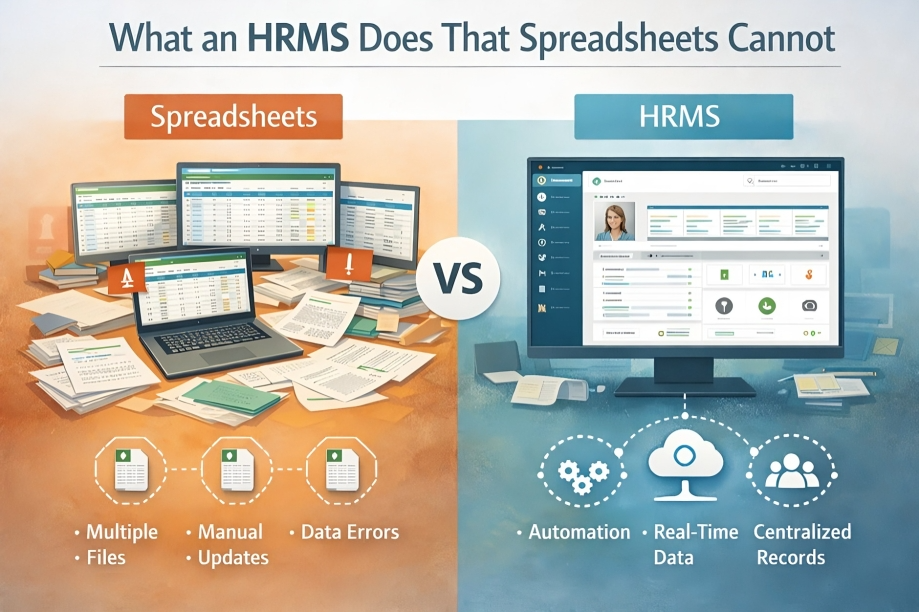
An HRMS is not simply a digital alternative to spreadsheets. It fundamentally changes how HR information is managed across the organization. While spreadsheets rely on manual effort and scattered files, an HRMS brings structure, automation, and accountability into everyday HR operations. As businesses grow, the difference between spreadsheet-based HR management and an HRMS becomes increasingly clear.
Centralized Employee Data
An HRMS creates a single, reliable source of truth for all employee information. Instead of managing multiple files for payroll, attendance, and personnel records, all data is stored in one centralized system. Access is controlled through user roles, ensuring sensitive information is only available to authorized individuals. This reduces the risk of accidental edits, data leaks, or unauthorized changes. Employee records follow a consistent format, making information easier to maintain, update, and retrieve whenever needed.
Automated Payroll and Attendance Tracking
Payroll and attendance management are areas where an HRMS offers immediate value. Time tracking, leave balances, and payroll calculations are handled automatically, reducing reliance on manual input and complex formulas. Updates are applied consistently across the system, lowering the risk of discrepancies. Automation not only improves accuracy but also saves significant time for HR teams, helping ensure employees are paid correctly and on schedule.
Built-In Compliance Support
An HRMS supports compliance by embedding rules directly into HR workflows. Policies, leave rules, and approval processes are defined within the system, reducing the need for manual checks and reminders. Records are stored in a structured way that supports audits and internal reviews. With consistent tracking and organized documentation, businesses are better prepared to meet regulatory and compliance requirements.
Streamlined Onboarding and Offboarding
Onboarding and offboarding processes become more controlled and consistent when managed through an HRMS. Documents are shared digitally, tasks are assigned automatically, and progress is tracked in one place. New hires follow a clear onboarding path, while offboarding steps are completed without relying on manual checklists. This structured approach reduces delays and ensures critical steps are not overlooked.
HRMS vs Spreadsheets: A Practical Comparison
The difference between an HRMS and spreadsheets becomes more apparent when comparing how each handles core HR functions.
- Accuracy: Spreadsheet-based HR systems depend on manual updates and formulas, which increases the chance of errors. An HRMS improves accuracy through automation and controlled data entry.
- Scalability: Spreadsheets may work for very small teams, but they become difficult to manage as employee numbers grow. An HRMS is designed to scale without adding complexity.
- Security: Spreadsheet files are easy to copy, share, or edit unintentionally. An HRMS uses role-based access and stronger data protection to safeguard sensitive information.
- Reporting: Generating reports from spreadsheets requires manual effort and constant updates. An HRMS produces reports from real-time data, making insights easier to access and more reliable.
- Ease of Use: While spreadsheets are familiar, they require ongoing maintenance. An HRMS simplifies daily HR tasks by reducing repetitive work and manual coordination.
- Long-Term Cost: Spreadsheets appear low-cost upfront, but the time spent correcting errors and managing manual processes adds up. Over time, an HRMS reduces hidden operational costs by improving efficiency.
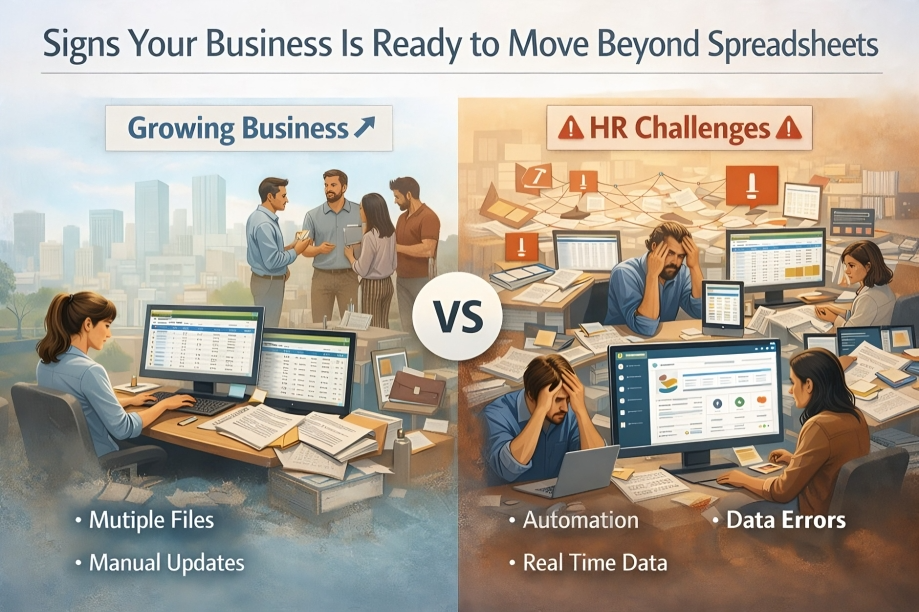
Signs Your Business Is Ready to Move Beyond Spreadsheets
Many businesses continue using spreadsheets not because they work well, but because switching systems feels unnecessary or disruptive. Over time, however, clear signs begin to show that spreadsheet-based HR management is no longer supporting the business effectively.
Your Team Size Is Growing
As employee numbers increase, managing HR data manually becomes more difficult. Updates happen more frequently, records expand, and coordination across teams increases. What once felt manageable starts requiring constant checks and corrections. Growth quickly exposes the limitations of spreadsheets.
You Are Managing Too Many HR Files
When HR data is spread across multiple spreadsheets for payroll, attendance, leave, and employee records, consistency becomes hard to maintain. Teams waste time searching for the right file instead of working with accurate information. Too many disconnected files usually signal the need for a centralized HR system.
Payroll Errors Are Becoming More Frequent
Occasional payroll issues can happen in any setup, but repeated errors point to a deeper problem. Manual calculations, broken formulas, or missed updates increase risk and create frustration for employees and HR teams. Rising payroll corrections are a clear sign that spreadsheets are no longer sufficient for HR operations.
Compliance Concerns Are Increasing
As regulations evolve, tracking compliance manually becomes stressful. Missing documents, outdated policies, or incomplete records increase legal exposure and audit pressure. When compliance feels reactive rather than controlled, spreadsheet-based HR management becomes a liability.
Your HR Team Feels Overwhelmed
When HR professionals spend most of their time fixing data issues, reconciling files, or responding to avoidable problems, something is wrong. Manual HR processes limit their ability to focus on people, culture, and improvement. Consistent overwork is often a symptom of inefficient systems.
Leadership Needs Better Reports
As businesses grow, leadership expects accurate and timely insights. Spreadsheets make HR reporting slow and inconsistent, often requiring manual preparation for every request. When decision-makers need reliable HR data and trends, spreadsheets fall short.
How Switching to HRMS Improves Daily HR Operations
Once these signs appear, the impact of switching to an HRMS becomes clear. An HRMS does more than replace spreadsheets. It improves how HR teams work every day and how the business operates as a whole.
Faster Workflows
Routine HR tasks such as leave approvals, record updates, and payroll processing move faster through automation. Fewer manual steps reduce delays and eliminate unnecessary back-and-forth.
Better Visibility Across HR Data
An HRMS provides real-time access to accurate HR information. HR teams and leadership can view up-to-date data without waiting for manual updates or reconciliations. Clear visibility builds confidence in HR decisions.
Improved Employee Experience
Employees benefit from clearer processes, timely payroll, and consistent communication. Self-service access to HR information reduces confusion and increases trust. A smoother experience supports stronger engagement and satisfaction.
Less Manual Stress for HR Teams
Automation removes repetitive tasks such as data entry and cross-checking files. HR professionals spend less time fixing errors and more time supporting employees and improving processes. Reduced manual stress leads to better focus and productivity.
Better Decision-Making
With structured data and reliable reports, leadership can make informed decisions about workforce planning, performance, and compliance. Decisions are based on facts, not assumptions. Better data leads to better outcomes.
Common Concerns About Switching to HRMS (Answered)
Businesses often hesitate to move away from spreadsheets because of practical concerns. These questions come up frequently and deserve clear, honest answers.
Is HRMS Expensive?
An HRMS may involve a subscription cost, but it often reduces overall expenses. Time spent fixing payroll errors, managing manual records, and preparing reports adds hidden costs. For many businesses, the efficiency gained from an HRMS outweighs the initial investment.
Is It Hard to Use?
Modern HRMS platforms are designed for everyday users, not technical specialists. Most systems use simple dashboards and guided workflows. HR teams often find that daily tasks become easier once manual steps are removed.
Will Data Migration Be Difficult?
Data migration requires planning, but it is usually manageable. Employee records from spreadsheets can be organized and transferred into an HRMS in stages. Once completed, data becomes easier to maintain and far less prone to errors.
Is HRMS Only for Large Companies?
HRMS is not limited to large organizations. Many small and growing businesses adopt HRMS early to avoid future problems. Using an HRMS from the right stage helps teams stay organized as they scale.
Final Thoughts: From Spreadsheets to Smarter HR
Spreadsheets played an important role in managing HR when business operations were simpler. They helped teams get started and manage basic records without complexity.
Today, HR responsibilities are more connected, regulated, and time-sensitive. Relying on manual tools creates risk, slows decision-making, and places unnecessary strain on HR teams.
Switching to an HRMS is not about replacing spreadsheets overnight. It is a natural evolution toward more structured, reliable, and efficient HR management. By understanding the limitations of spreadsheets and the benefits of an HRMS, businesses can make informed decisions that support both their people and long-term growth.
Frequently Asked Questions
Is Excel enough for HR management?
Excel can handle basic HR tasks for very small teams, but it becomes difficult to manage as responsibilities grow. Manual payroll calculations, attendance tracking, and performance records increase the risk of errors. Excel also lacks real-time updates, access control, and reporting, which are essential for accurate payroll management and attendance tracking.
When should a company switch to HRMS?
A company should consider switching to HRMS when HR tasks start consuming too much time or errors become frequent. Common triggers include payroll mistakes, difficulty tracking attendance and timesheets, growing compliance requirements, and leadership requesting accurate HR analytics. HRMS helps manage these challenges before they impact employees or operations.
Can small teams use HRMS?
Yes, HRMS is suitable for small teams, especially those planning to grow. Small teams benefit from structured payroll, attendance tracking, employee self-service, and performance management early on. Using HRMS at the right stage helps avoid data cleanup and process changes later.
What are the risks of manual HR tracking?
Manual HR tracking increases the risk of payroll errors, incorrect attendance records, missed compliance deadlines, and inconsistent performance data. It also limits visibility into HR analytics and places additional workload on HR teams. Over time, these risks can affect employee trust and decision-making.
How does HRMS improve payroll and attendance accuracy?
HRMS automates payroll calculations using attendance and timesheet data in real time. This reduces dependency on manual formulas and ensures salaries, overtime, and leave balances are calculated consistently. Automated payroll and attendance tracking improve accuracy and reduce disputes.
What role does employee self-service play in HRMS?
Employee self-service allows staff to view payslips, attendance, leave balances, and performance information without contacting HR. This reduces routine queries and gives employees more transparency and control over their records.
How does HRMS support better HR analytics?
HRMS collects structured data across payroll, attendance, performance, and timesheets. This data can be analyzed to identify trends, improve workforce planning, and support leadership decisions. HR analytics help move HR from manual reporting to insight-driven management.